Challan Pro is perfect for generating invoices according to the ZATCA E-Invoicing rule in Saudi Arabia.
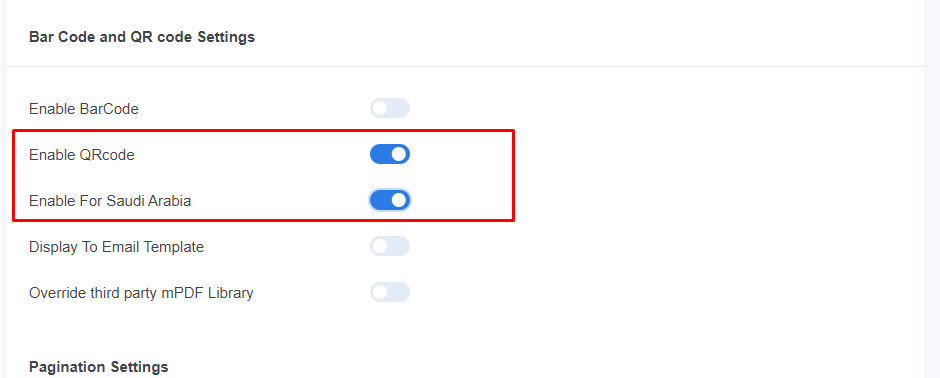
Here is the way to enable QR Code:
Go to the Settings page of the Challan Pro plugin and scroll down will see Bar code and QR code Settings. Now, activate enable QR Code and enable it for Saudi Arabia with the toggle buttons.