What we've learned shipping to 100,000+ stores.
Engineering writing, channel guides, compliance updates, and the occasional opinion. Written by the people who build the plugins.

How to Sync Product Attributes to Form Fields In WooCommerce? 3 Easy Ways
Syncing product attributes to WooCommerce form fields can streamline your store management and improve the customer experience. Using WooCommerce’s built-in attributes, plugins, or custom…
How to Remove or Hide the Uncategorized Category in WooCommerce (3 Easy Ways)
To remove the Uncategorized category in WooCommerce, you first need to set a new default category. After that, you can delete, rename, or hide…
How to Add Variable Product in WooCommerce
You can add a variable product in WooCommerce by creating a product, selecting ‘Variable product’ under product data, and then setting up attributes and…

How to Remove Reviews from WooCommerce Product Page? Three Proven Methods
Customer reviews are a great way to build trust and credibility for your WooCommerce store. However, they’re not always necessary for every business. Whether…
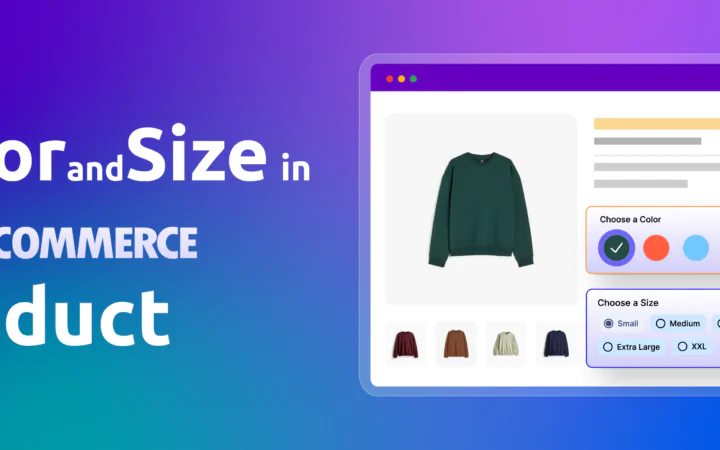
How to Add Color and Size in WooCommerce Product? The Complete Guide
“To add color and size options in WooCommerce, go to Products > Attributes, create ‘Color’ and ‘Size’ attributes, and configure terms like Red or…

How to Show SKU On WooCommerce Product Page? 3 Proven Methods
You can show SKU on WooCommerce product pages by using one of three primary methods: adding the SKU from WooCommerce product settings, using a…

How to Add a WooCommerce Sale Badge (3 Methods)
WooCommerce displays a sale badge automatically when you set a sale price on a product. The default badge shows a plain “Sale” label on…

How to Add Attribute to WooCommerce product?
To add an attribute in WooCommerce Product, go to Products > Attributes, enter the attribute name, slug, and type, then click ‘Add Attribute.’ Next,…

How to Hide Out-of-Stock Products in WooCommerce (3 Methods)
To hide out-of-stock products in WooCommerce, go to WooCommerce > Settings > Products > Inventory and check the “Hide out-of-stock items from the catalog”…

How to Remove Free Shipping in WooCommerce (2 Proven Methods)
To remove free shipping in WooCommerce, go to WooCommerce → Settings → Shipping → Shipping Zones, open the zone, locate Free Shipping, click Edit,…

How to Change the Order of Product Attributes in WooCommerce? Easy Steps
To change the order of product attributes in WooCommerce, go to Products Attributes. Then click on the “Edit” option of the attribute you want…